![Asset-14.png]](https://4169409.fs1.hubspotusercontent-na1.net/hub/4169409/hubfs/Asset-14.png?height=410&name=Asset-14.png)
1. Log into your account and navigate to https://courses.frontofficerocks.com.
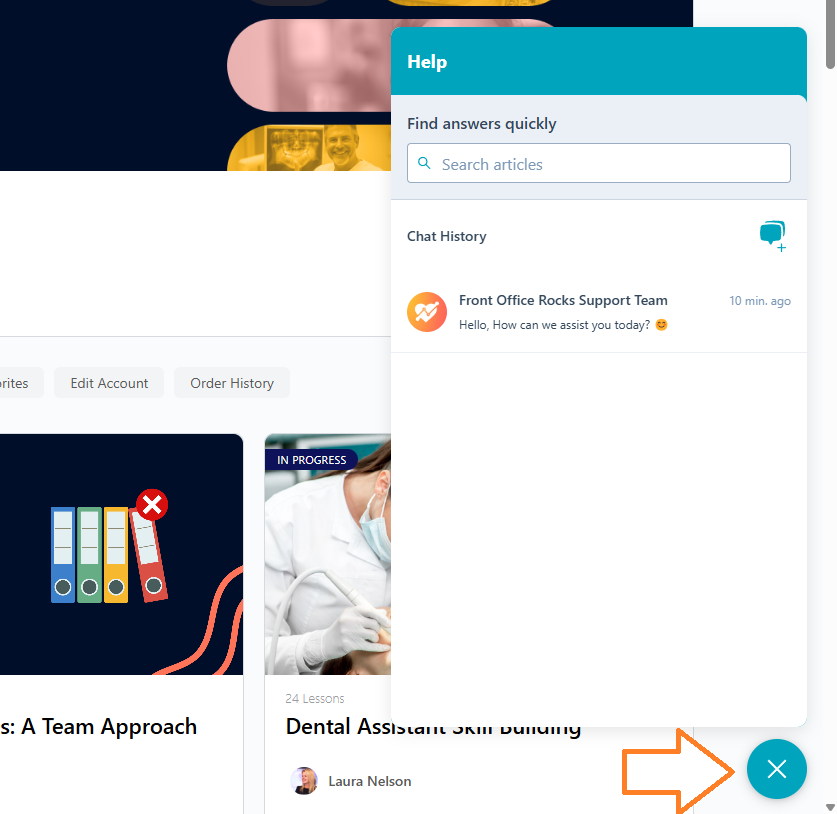
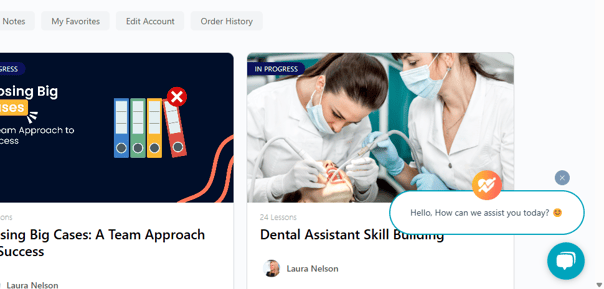
2. At the bottom of your screen click on the Chat avatar to open up the Chat feature. This is usually located at the bottom right corner of your dashboard.
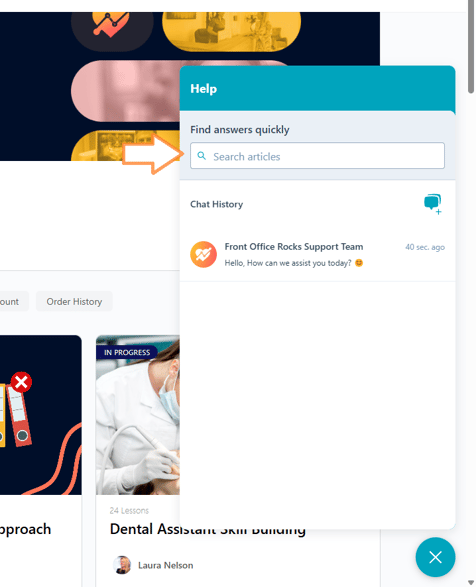
3. Click in the "Find answers quickly" field.
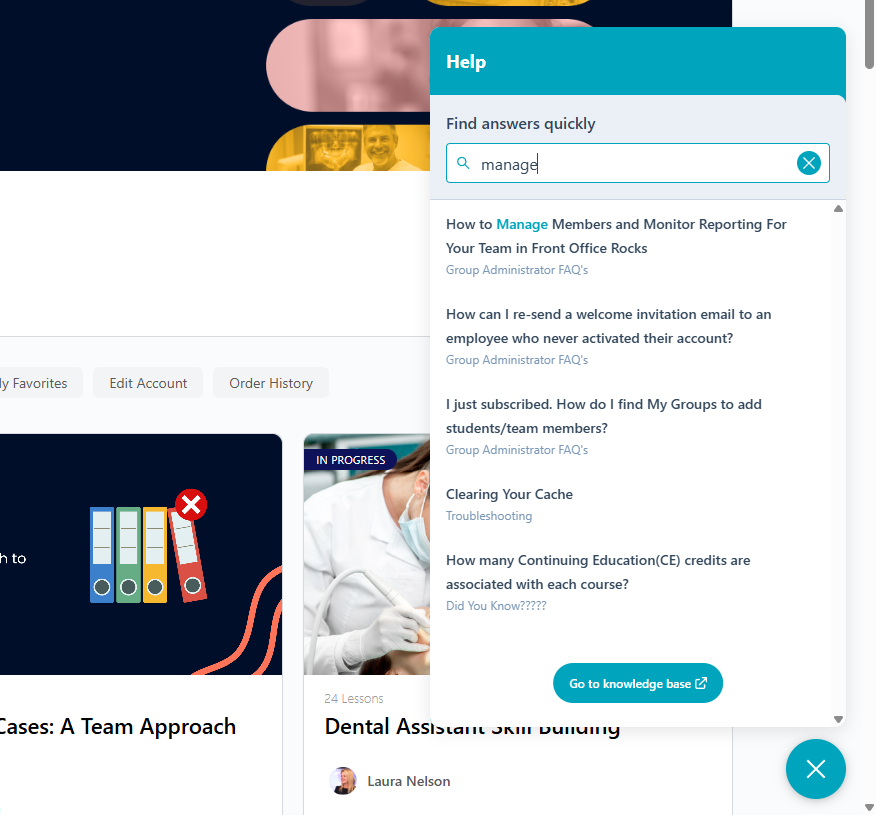
4. Type in your question, key words, or topic you are inquiring about.
Scroll through the topic documents until you find the one you need. Click on it. It will open in the chat window. Scroll through the instructions/dialogue to get the assistance you need.
5. Use the back arrow at the top left of the window to go back to the entry window and/or minimize the Chat when you are finished to continue using the web page as needed.