![Asset-14.png]](https://4169409.fs1.hubspotusercontent-na1.net/hub/4169409/hubfs/Asset-14.png?height=410&name=Asset-14.png)
1. Log into your Primary Group Administrator account. Click "Courses". Click the "Order History" tab
2. Click "View" or on the blue order number link.

3. On the bottom of your Order information page Click "Update Payment and View Order History"

4. Login using your credentials to follow the steps to update your payment method.
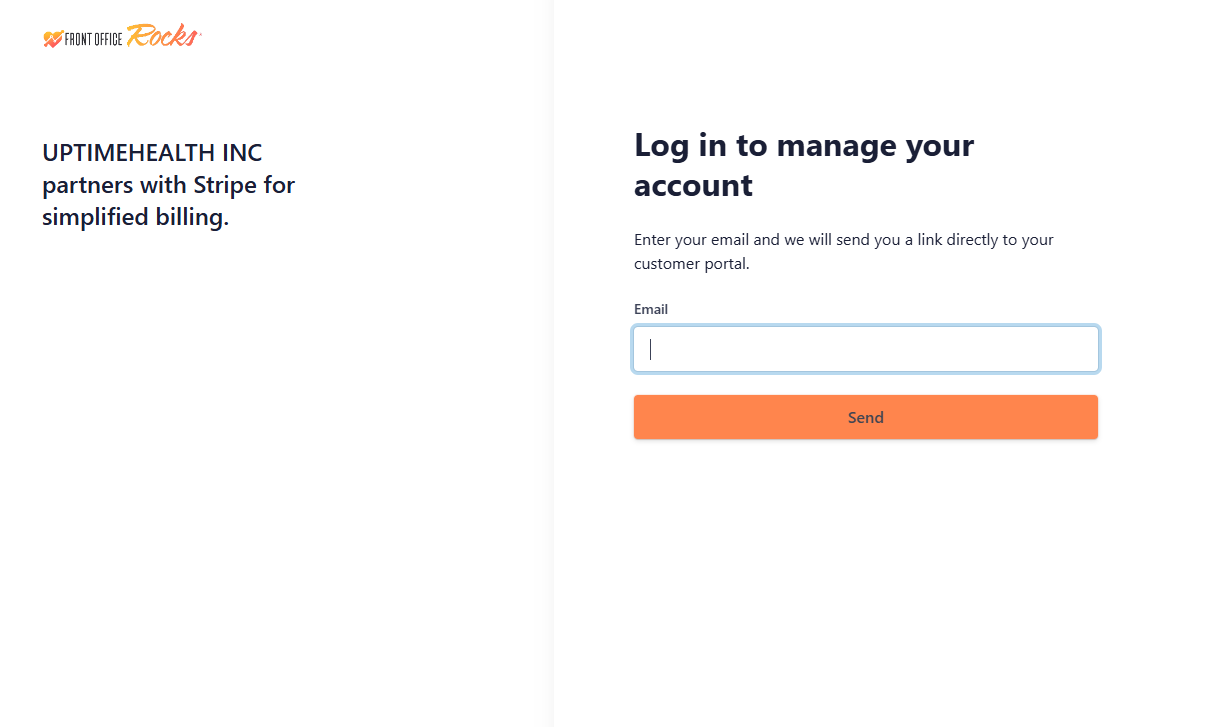
**You can also use this shortcut link to update your payment information.