![Asset-14.png]](https://4169409.fs1.hubspotusercontent-na1.net/hub/4169409/hubfs/Asset-14.png?height=410&name=Asset-14.png)
1. Click on your profile image in your account.

2. Click "Account"

3. Add your new password and save your changes.

4. You can also do this from the “Edit Account” tab on your main dashboard.

5. Click on the blue link to update and save your changes.

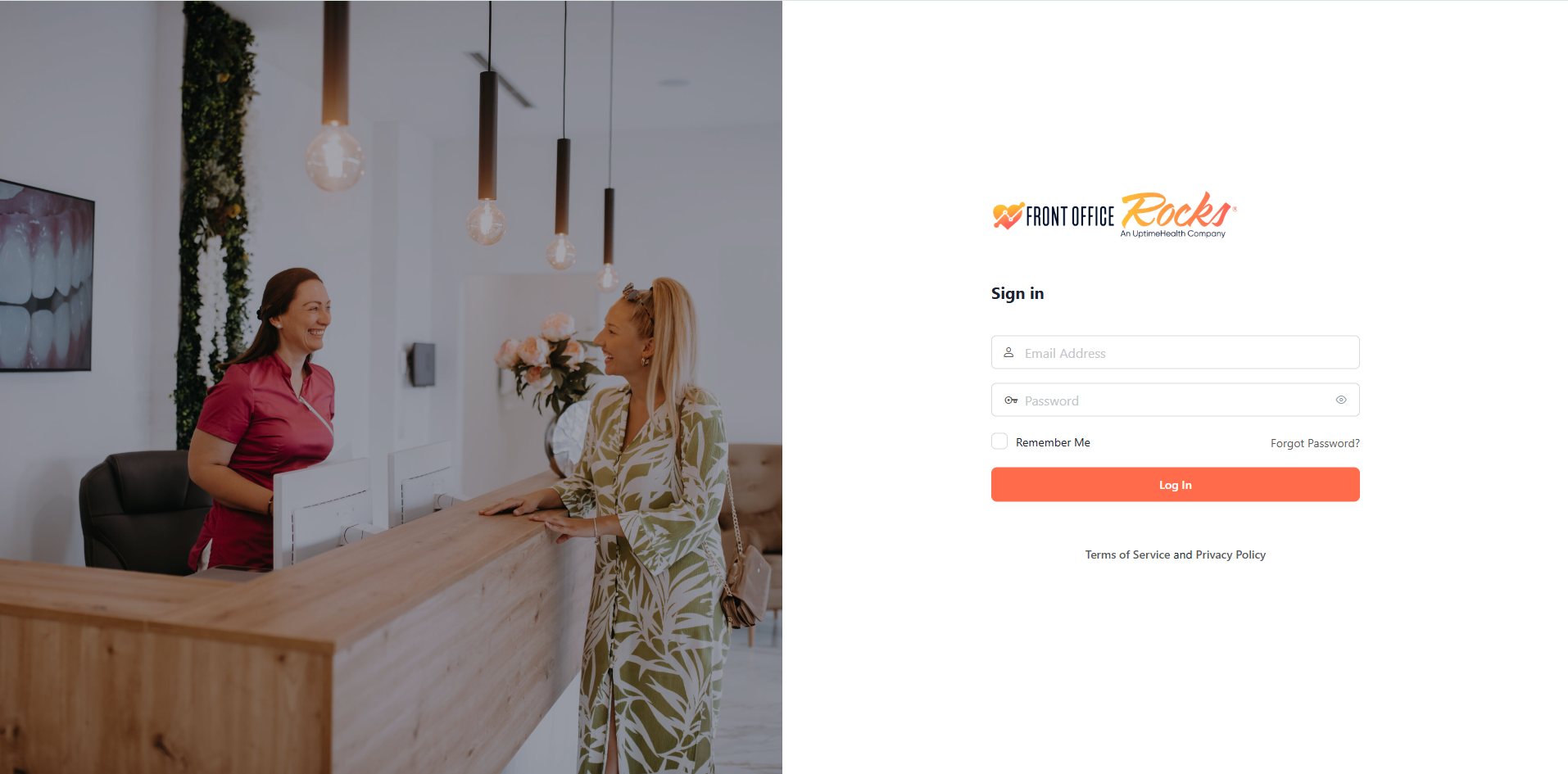
6. You can also receive an email to update your password via the login screen.