![Asset-14.png]](https://4169409.fs1.hubspotusercontent-na1.net/hub/4169409/hubfs/Asset-14.png?height=410&name=Asset-14.png)
1. Navigate to your log in dashboard and click “Courses”.
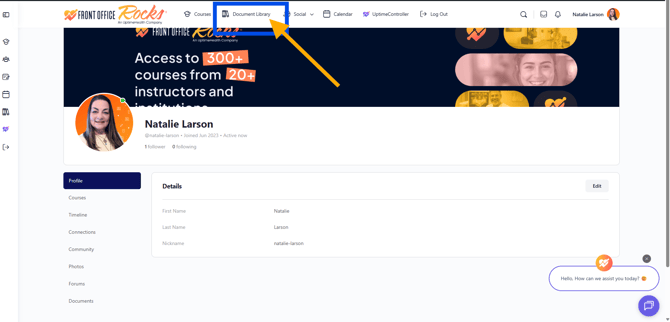
2. Click "Document Library"
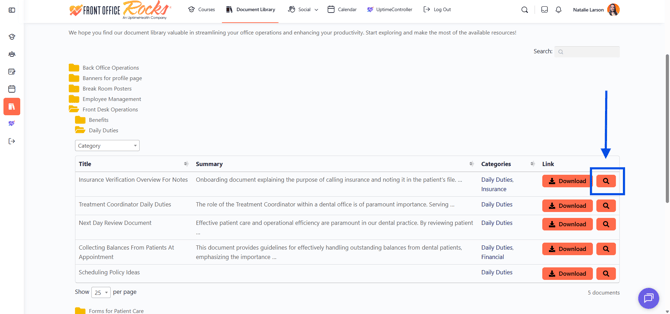
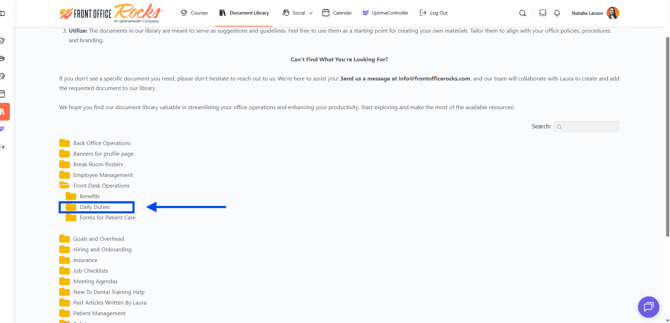
3. Select the folder you would like to access and click on it. This will open up any available documents for that category.
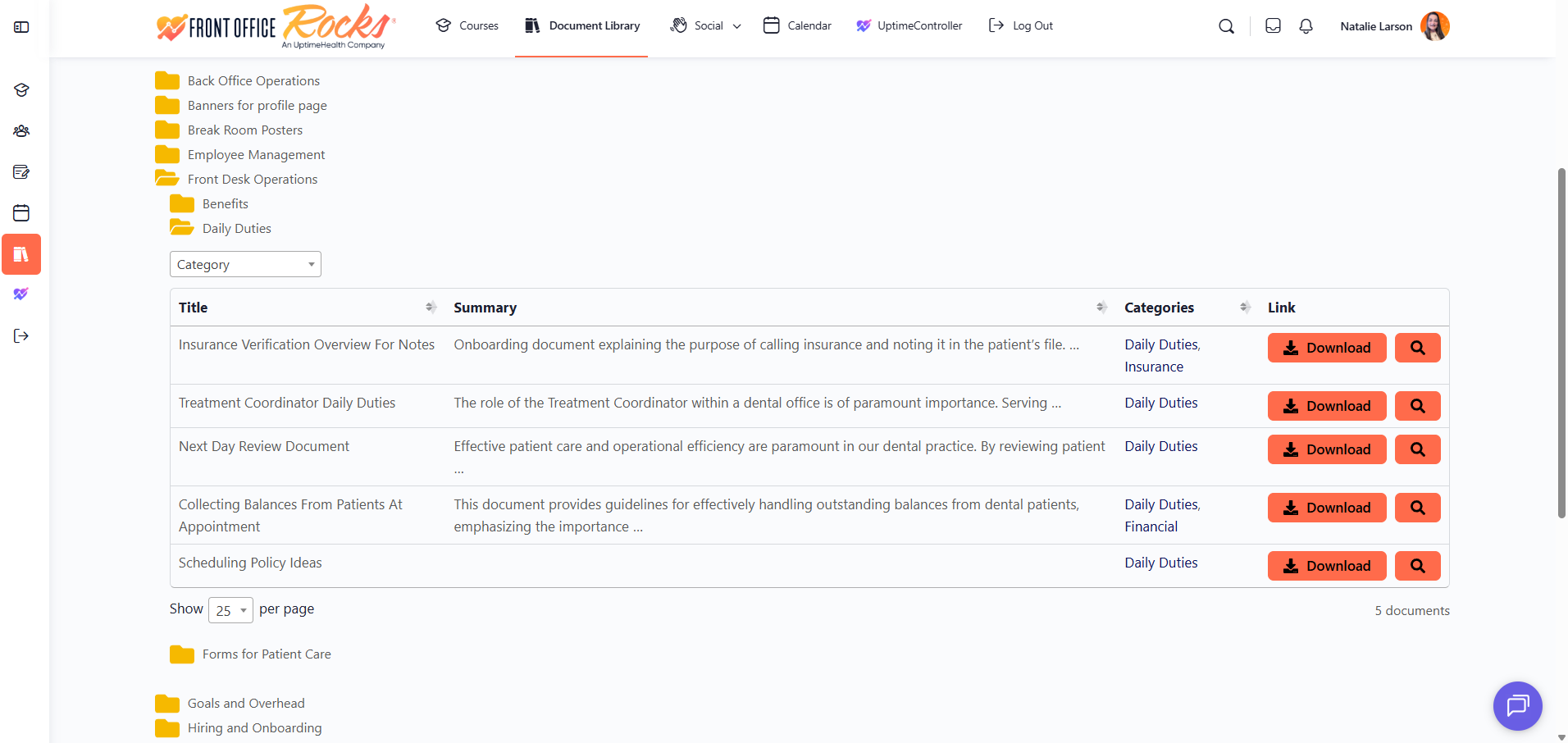
4. Click "Download" and then save it to your device. **You will need to have some sort of editing software in order to convert it back to it's regular format to make changes.
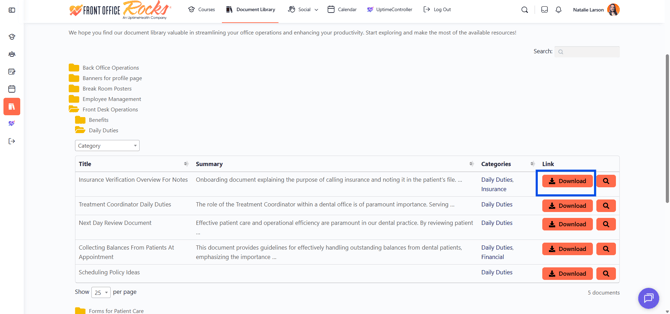
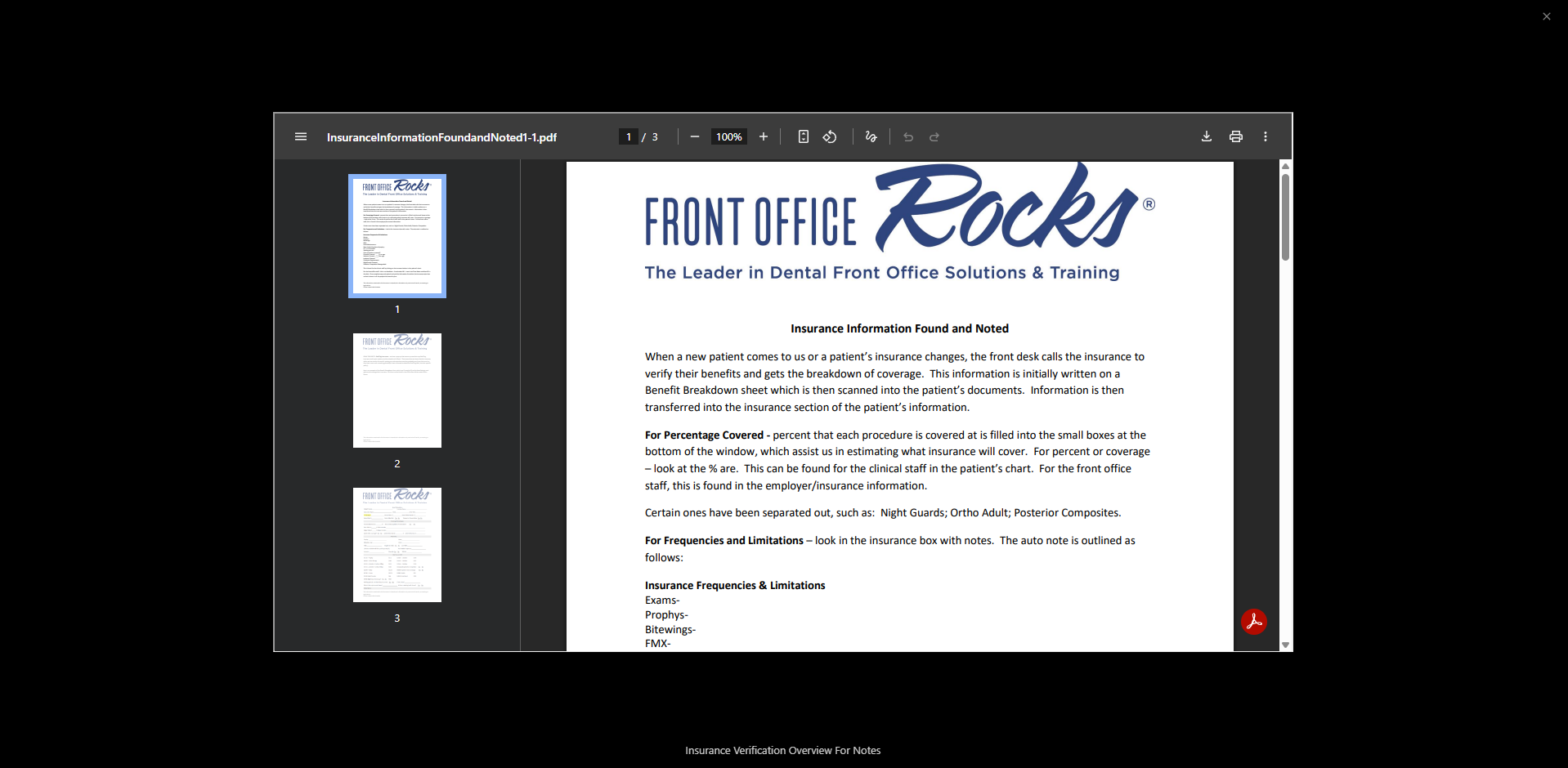
5. Or you can preview the document first by clicking the magnifying glass avatar to open the document and review it prior to downloading and saving it to your computer.